Overview
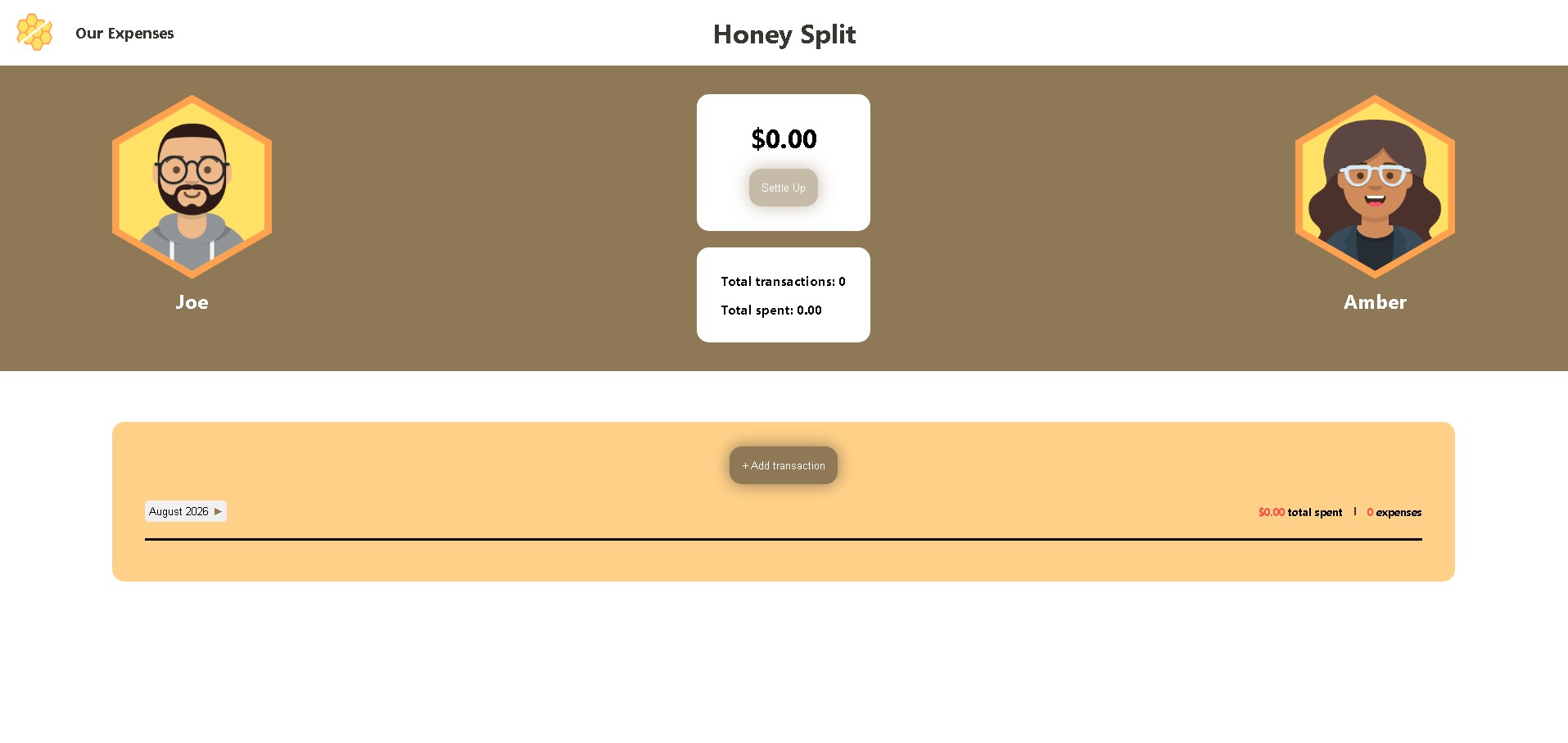
Honey Split is an app I designed and built to solve a real problem in my own relationship tracking who paid for what over the course of a month, without the mental math or awkward "wait, didn't I cover that?" conversations. Partners log expenses as they happen, and at any point can see exactly who owes whom, then settle up.
Role
UI/UX Designer
Frontend Developer
Tools
Figma / HTML / CSS / JavasScript / Netlify
Challenge
Most expense-splitting apps we tried were cluttered with ads that made adding a simple expense take longer than it should. Paying to remove them felt like paying to get rid of a known irritation, rather than paying for real value. I wanted something clean and free: an app my partner and I could open and use without friction.
Solution
Honey Split keeps things simple. Log an expense, and the app tracks who owes whom automatically — no manual math. When you're ready, settle up in one tap.
- Add an expense to any month
- View all expenses, filterable by month and year
- See running totals — total spent and total transactions
- Settle up once all expenses are accounted for
Low Fidelity
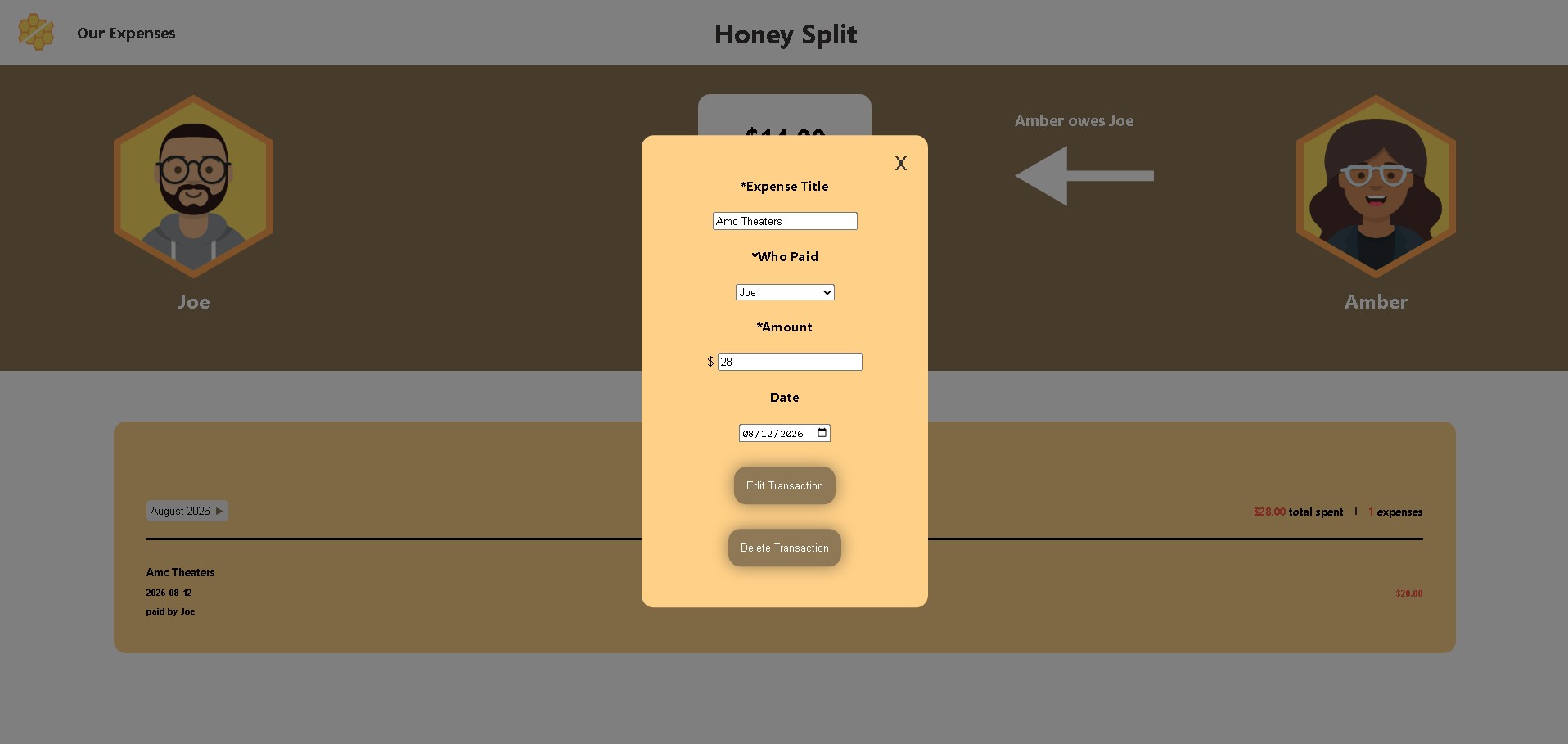
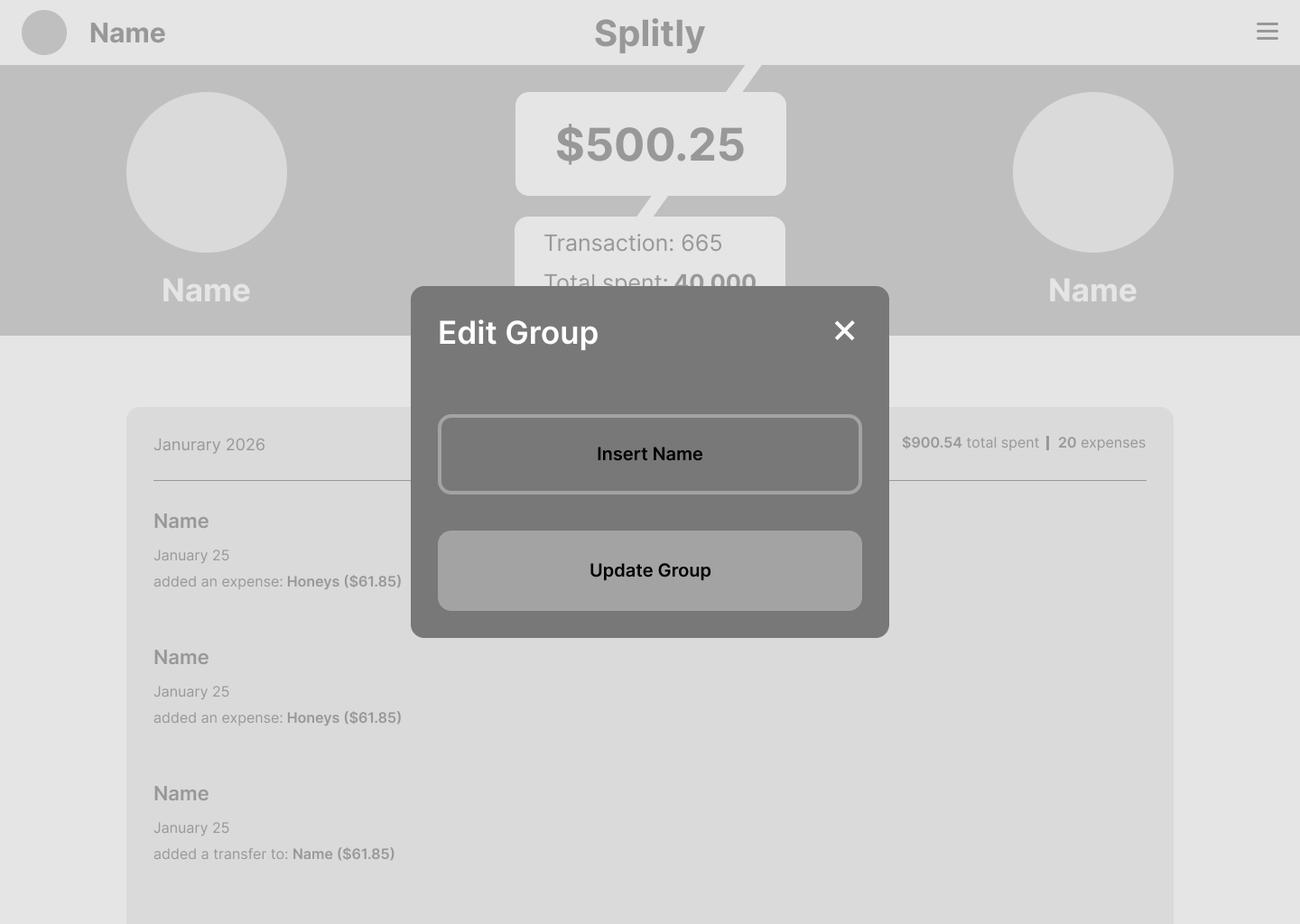
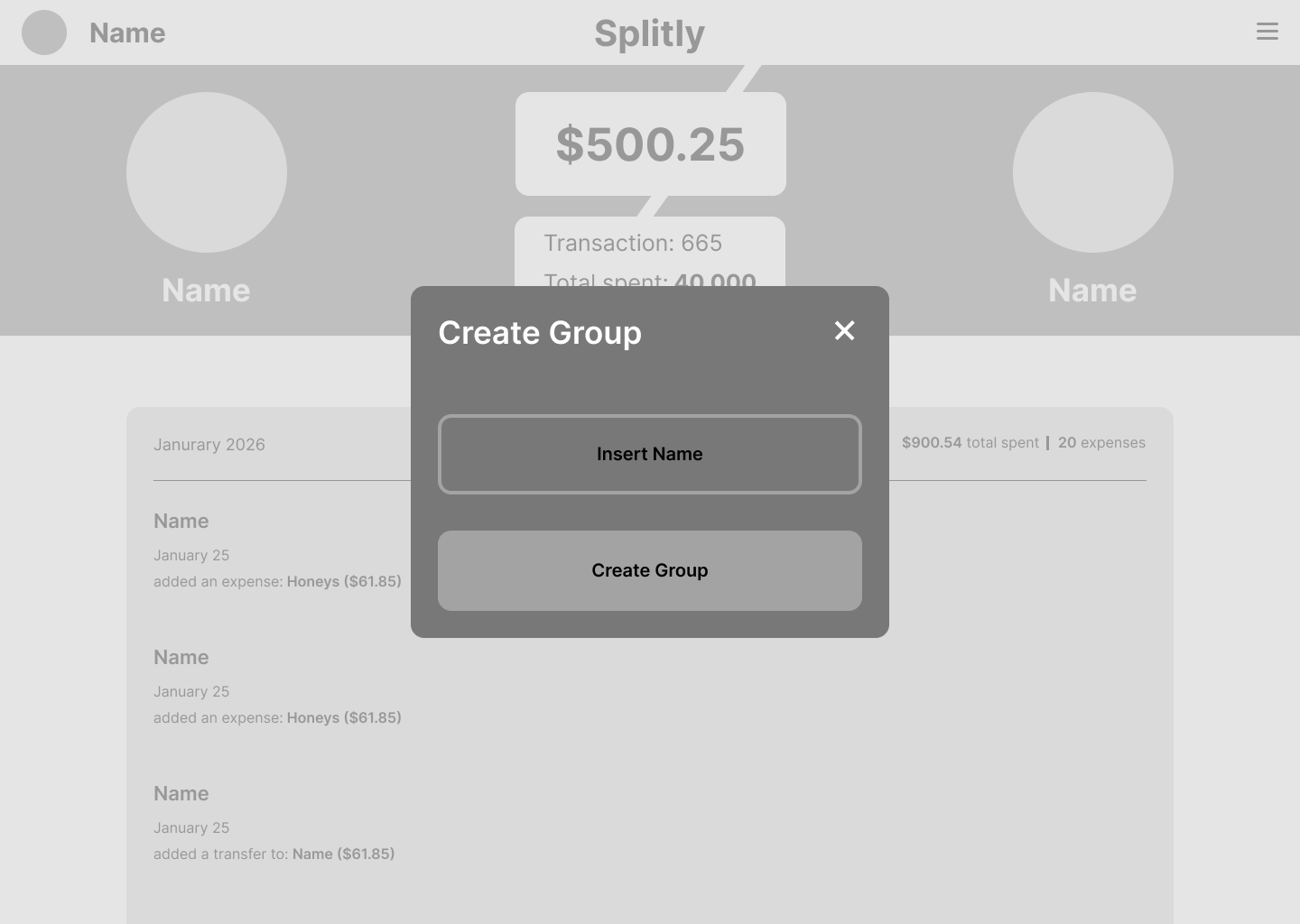
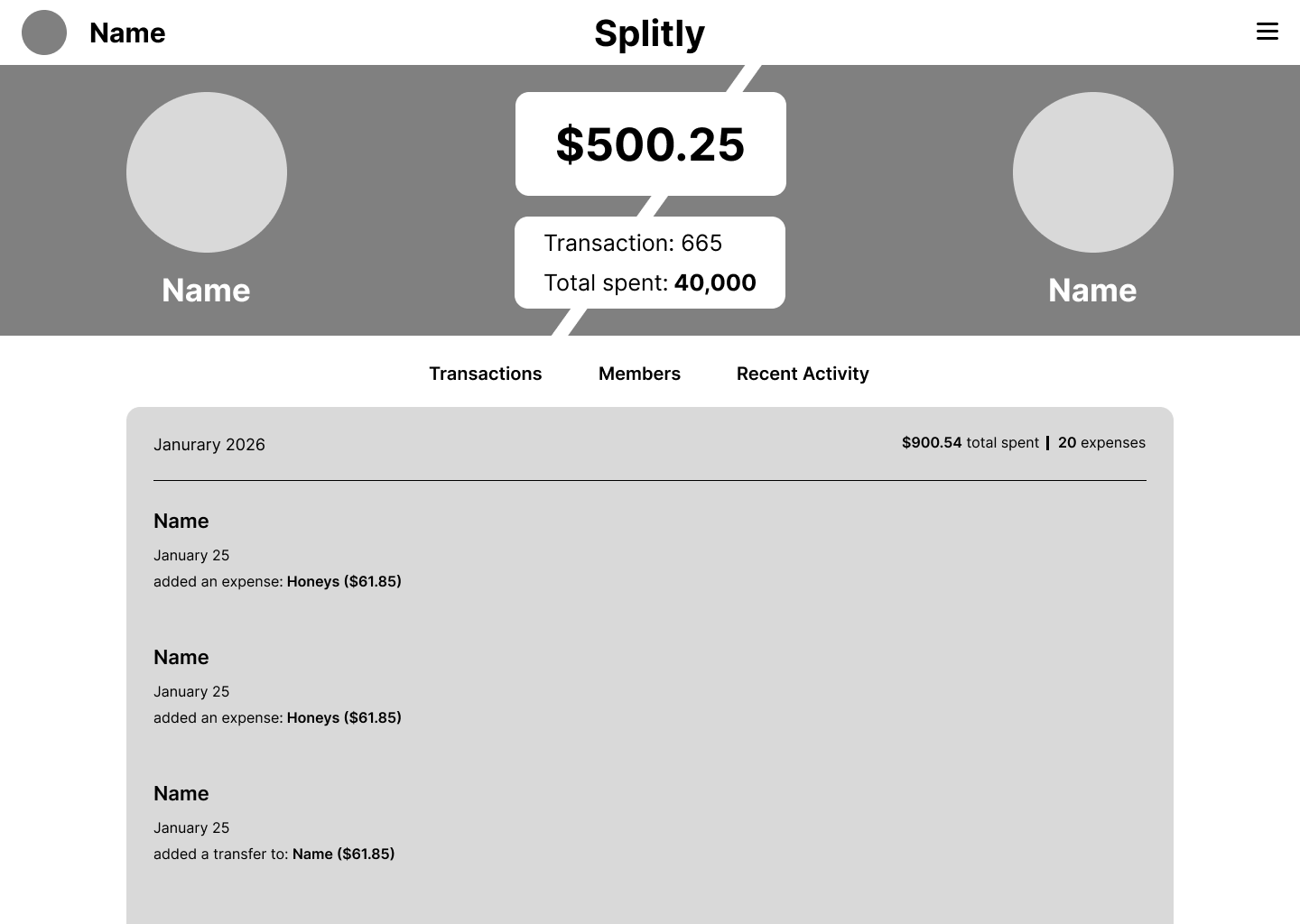
These early wireframes explored group expenses, multiple members, and transaction filtering. As I moved into development, I scoped v1 down to what mattered most for how my partner and I actually use it — two people, one shared expense list — and cut the rest for a future version.
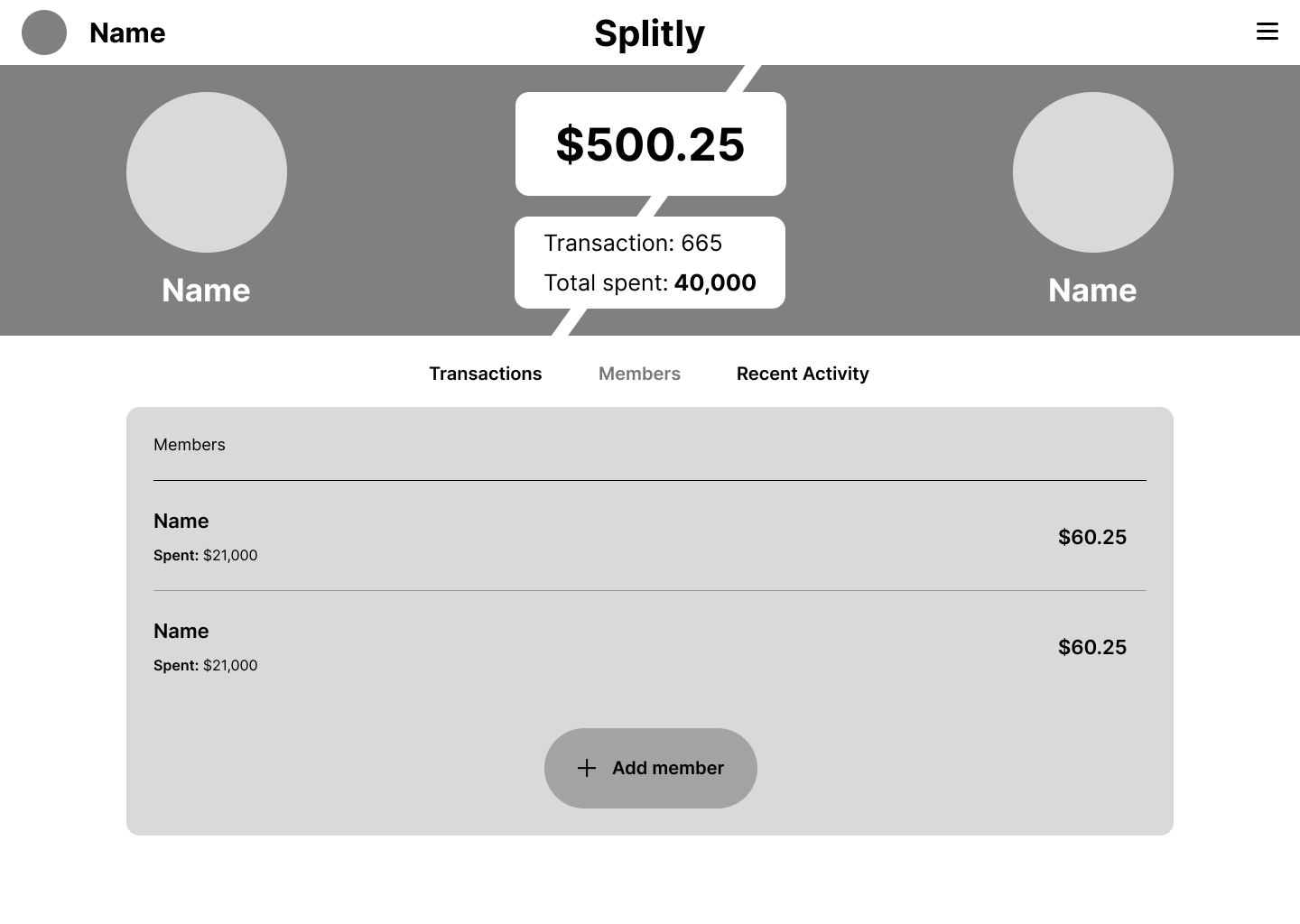
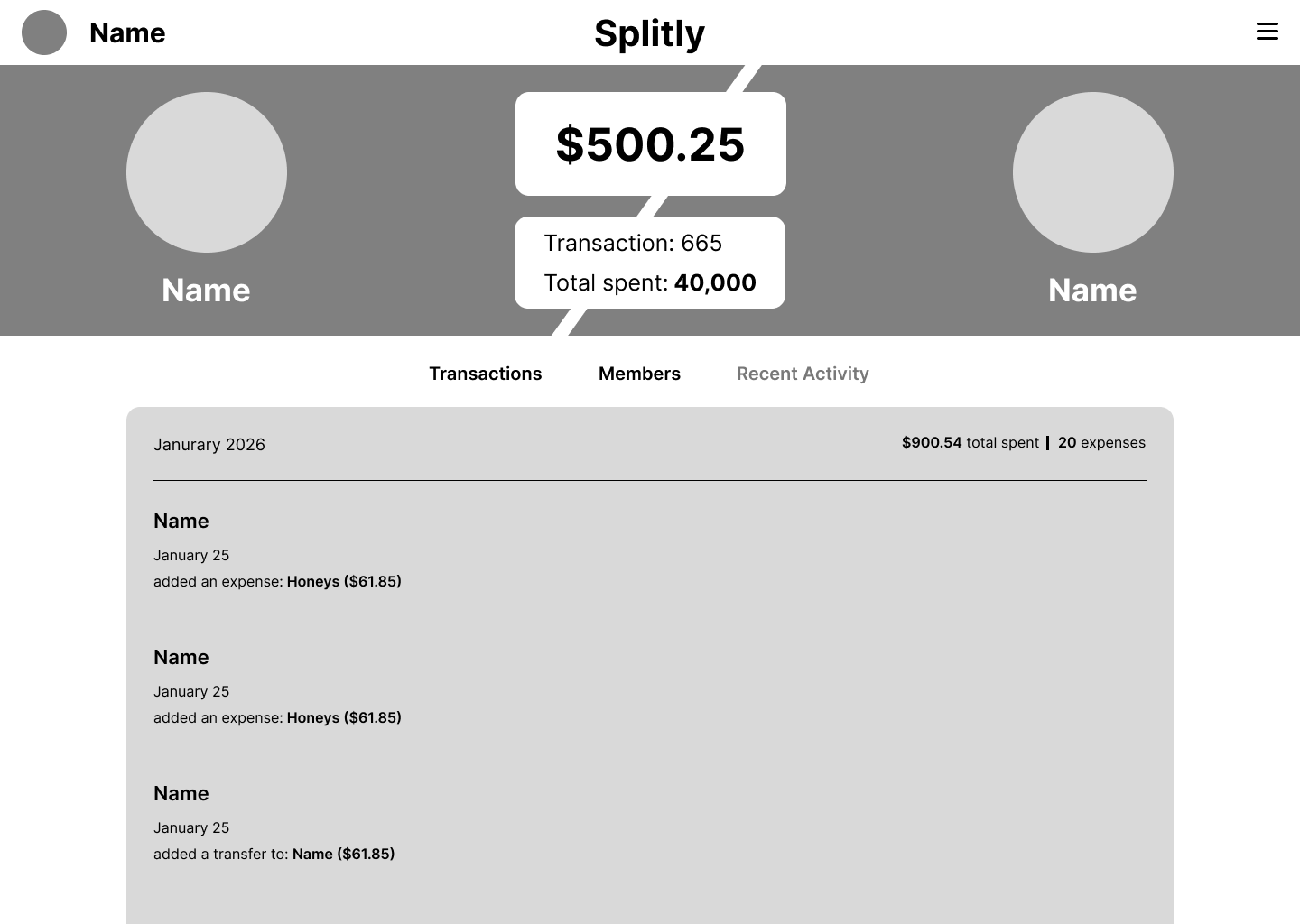
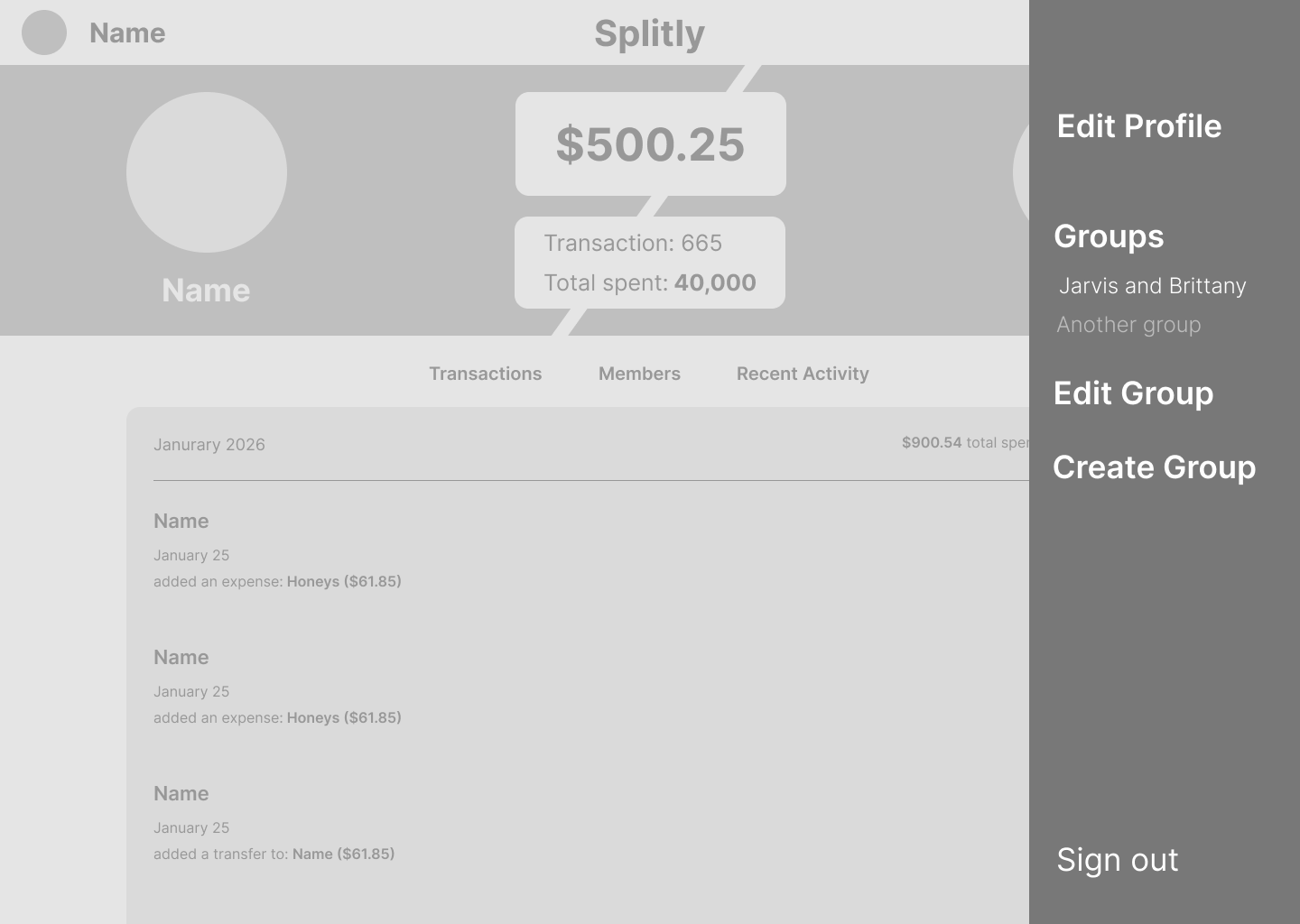
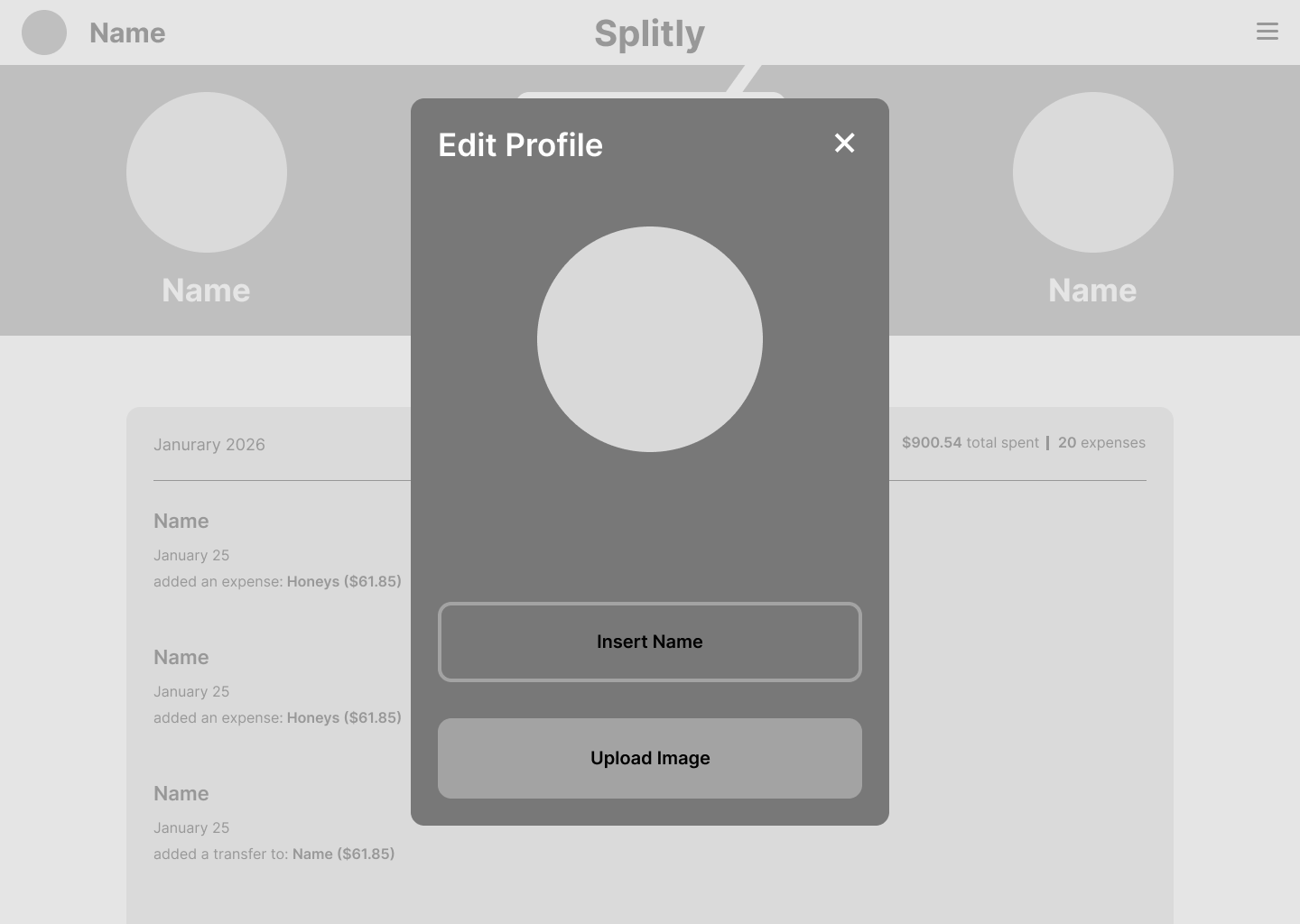
Designs
When I started to get a feel for what I wanted the app to look like, I started thinking about the color scheme.
Colors
#3a3732
#8e7856
#ffd188
#ffe2b3
#ffa250
#ffe165
#ff5547
#ffffff
Illustration

High Fidelity
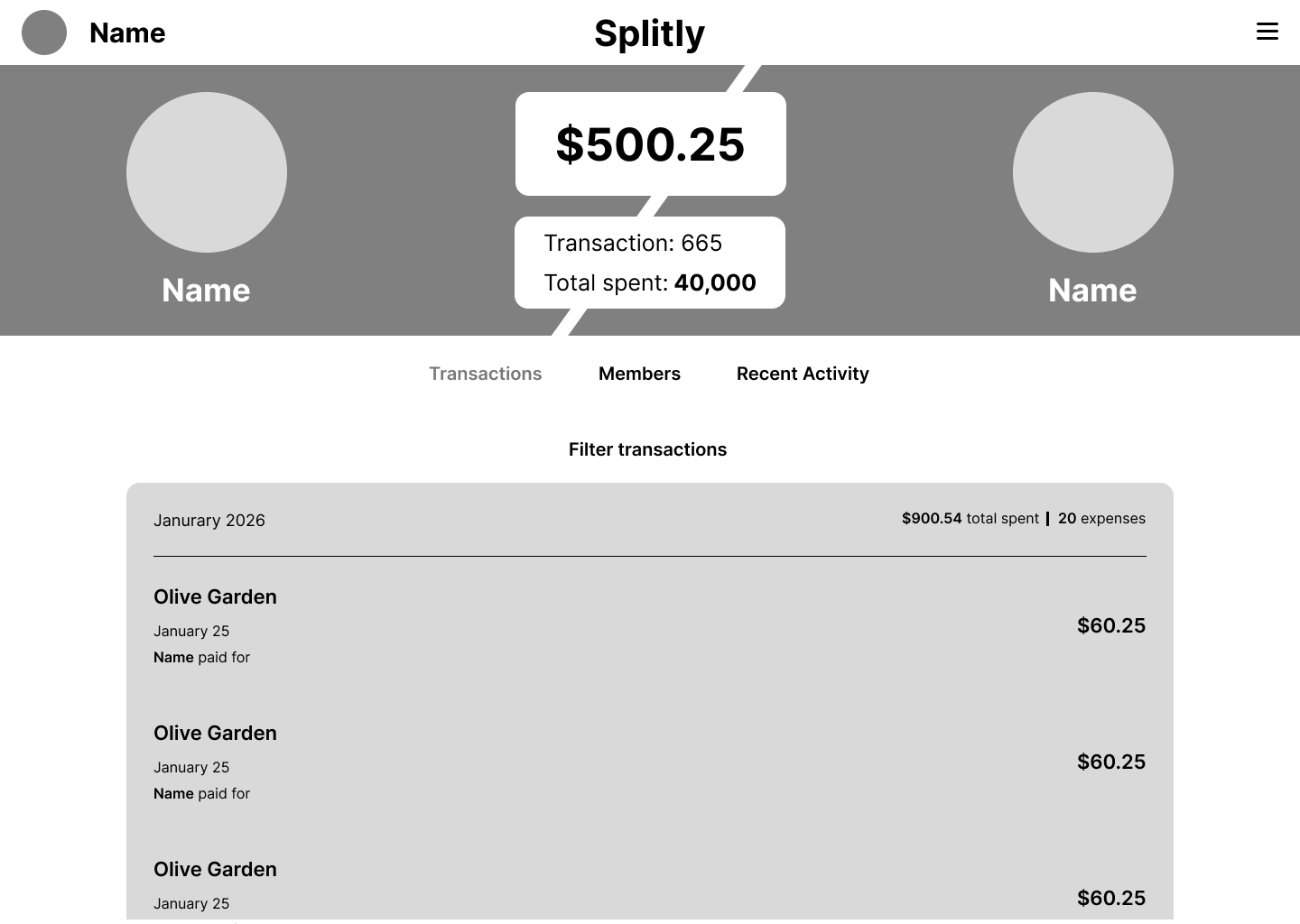
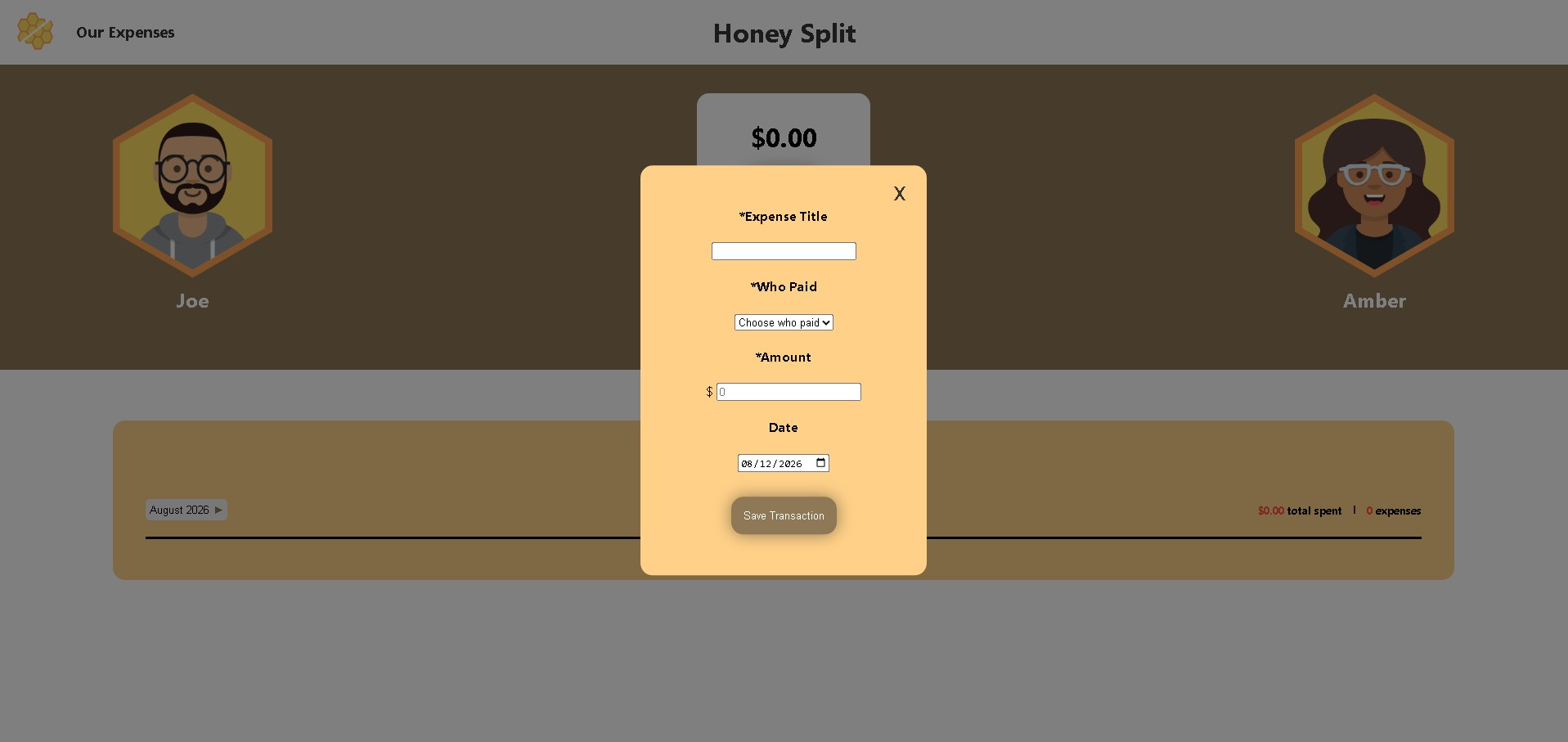
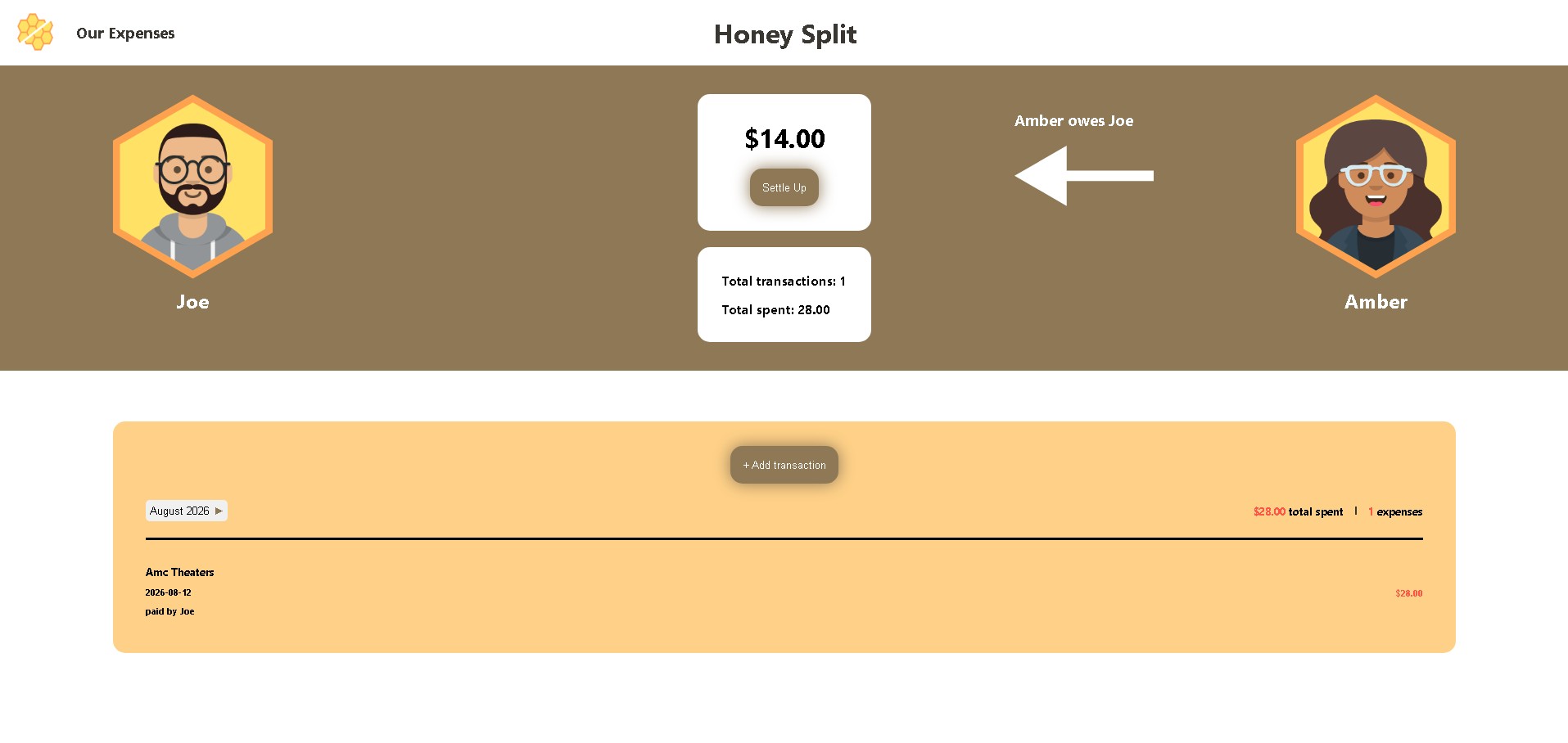
As I started building the app, it eventually evolved. I changed the name from Splitly to Honey Split. The designs changed along with the color scheme to resemble a honeycomb. As this is an app I built for my partner and me, I felt honey best represented how I view relationships. We stick together even when apart.
Build Challenges
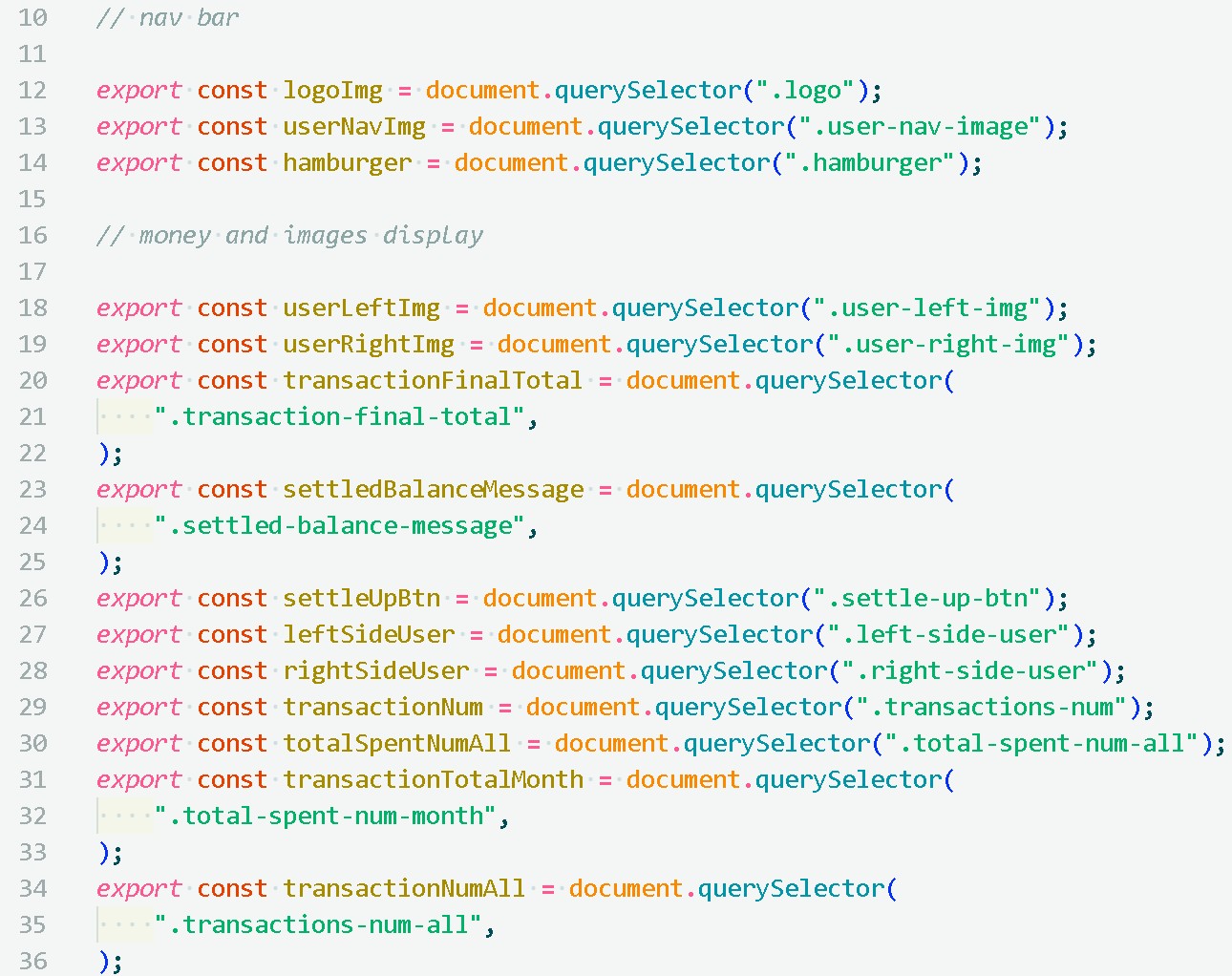
Version 1 taught me as much about managing complexity as it did about JavaScript itself. As the codebase grew, I struggled to keep track of how pieces connected — and had to stop and deliberately trace through my own logic more than once. I also had to learn when "enough" is enough for a v1, rather than chasing every feature before shipping.
What's Next
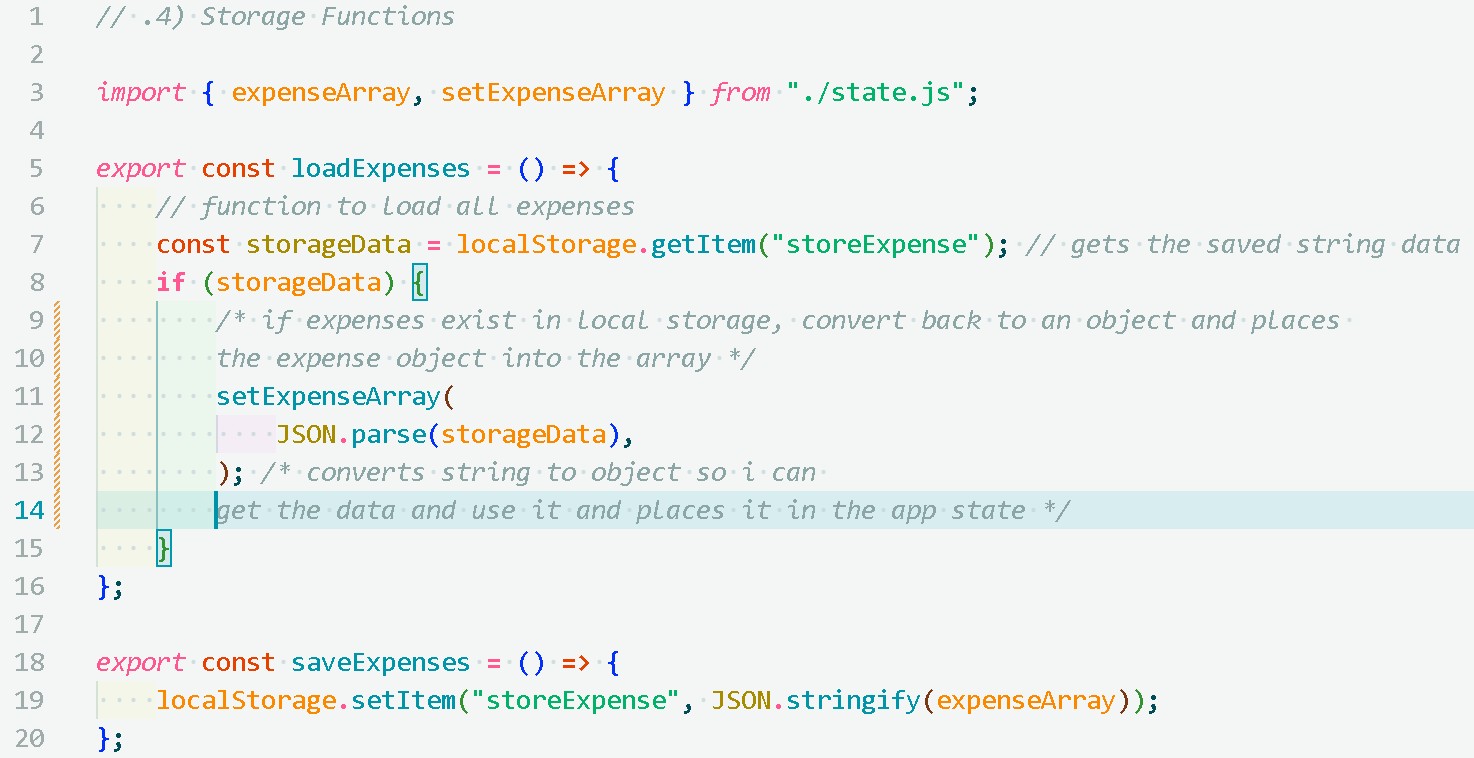
Version 1 focused on the core loop: log an expense, see who owes whom, settle up. Everything below got cut from v1 so I could ship something my partner and I could actually use — but they're the next things I want to tackle, starting with moving data to Firebase so it's not stuck on one device.
- Sign in Form for each user
- Adding customizable avatars
- Adding different facial expressions according to the amount a user owes the other
- Moving all the saved data from local storage to Firebase so data can be accessed on multiple devices
- Adding a more robust settlement and history tracking system
- A reminder when the previous month has been settled